ProductMake
Engineering changes that reach the floor.
Import a BOM from CAD, compare it with Business Central line by line, approve the change and release it to BC, updating the production BOM and re-certifying it. Item setups check every item a contract sells against BC master data, with sign-offs by department.
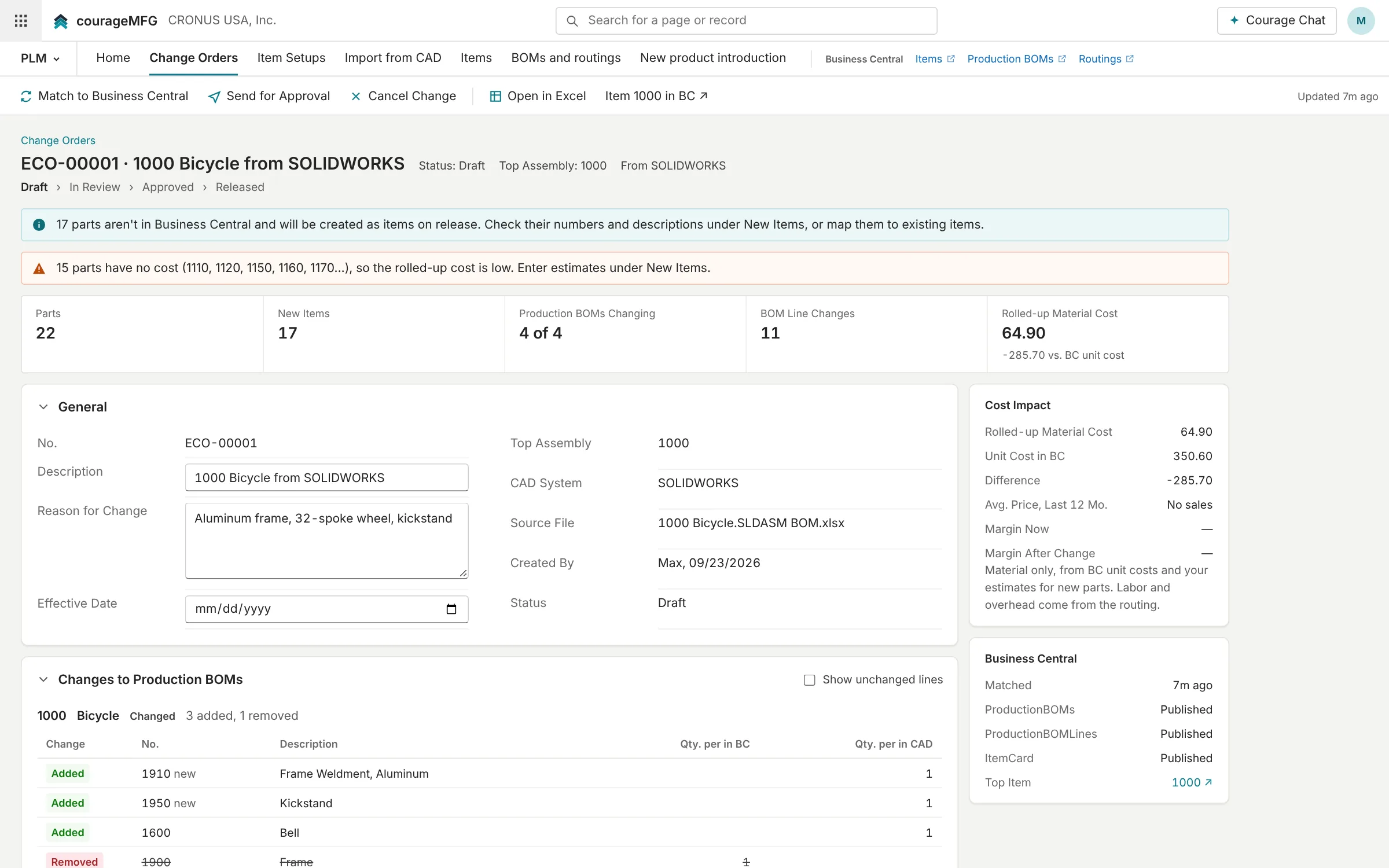
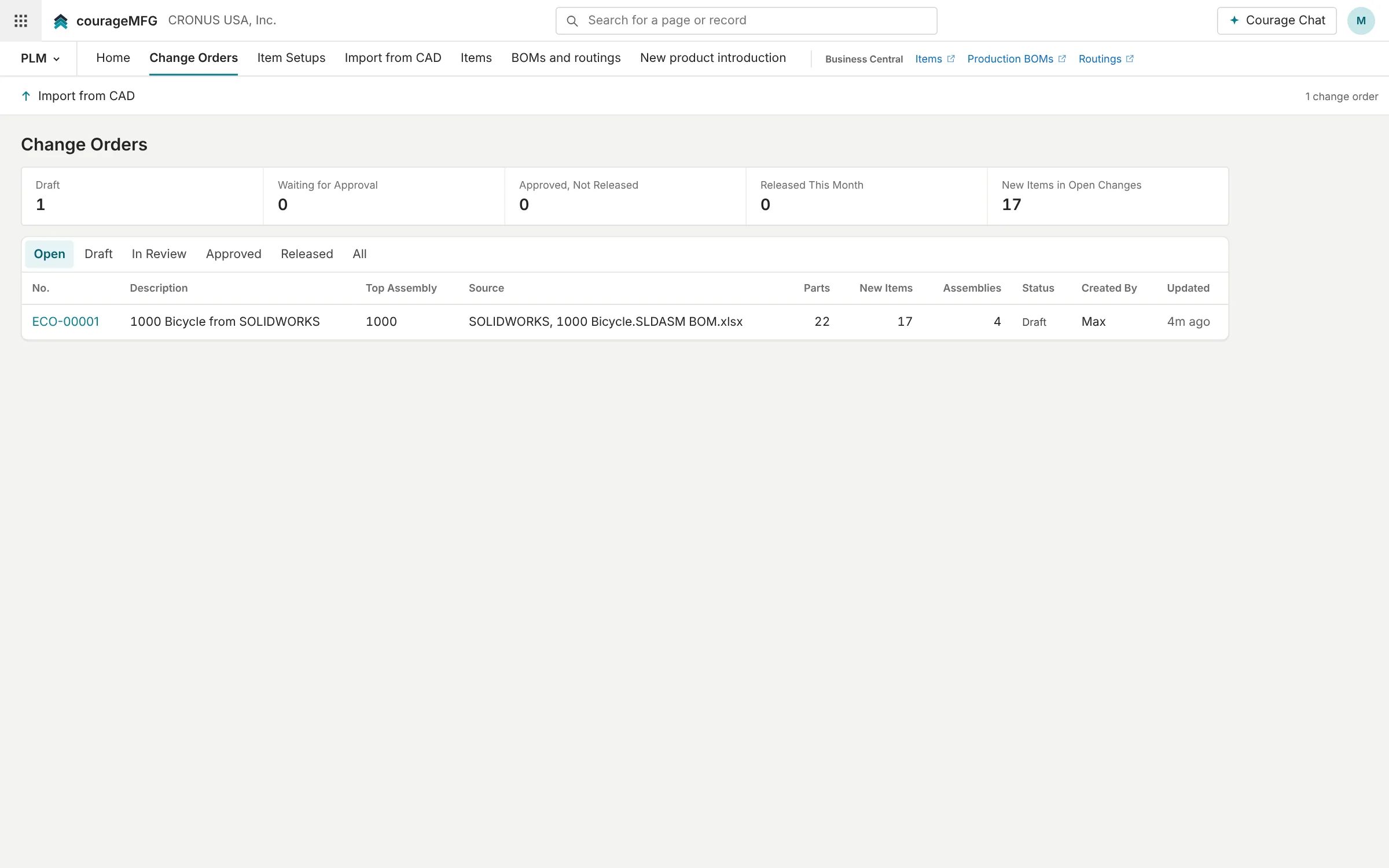
Change orders from CAD
Drop in the BOM export from your CAD system. CourageMFG compares it with the production BOM in Business Central, shows what was added, removed and changed, routes it for approval and releases it to BC: new parts become BC items, and the production BOM lines are updated and re-certified.
Items ready before the order is
Every item a contract sells is checked against Business Central: item card, units, posting groups, cost, planning, and for made items the certified BOM, every component and the routing. An item that isn't ready gets a setup with tasks, owners and due dates by department.
In development
Stage-gate product introduction
New product introduction projects move through stage gates from concept to first production run, each with an owner and a record of who signed off.
With Business Central
CourageMFG reads what it needs live through BC's own APIs and writes back through BC's own validation, as the person doing the work.
Reads from Business Central
- Items, production BOMs and routings
Writes back to Business Central
- New items for new parts in a released change order
- Production BOM lines updated and re-certified when a change order is released
The applications
For engineering, purchasing and cost accounting. Each one is a view of the same records; where Business Central already does the job, CourageMFG links straight to it.
Change Orders
LiveEngineering change orders from CAD: compared with BC, approved, released to BC production BOMs.
Items
Record appStages: Request → Engineering → Purchasing and costing → Approved → Created in BC. Fields and history on every record.
Full application planned. Request a new part; engineering, purchasing and costing fill it in; it's created in BC.
BOMs and routings
Record appStages: Draft → Review → Approved → Released to BC. Fields and history on every record.
Full application planned. Draft and compare BOMs and routings, then release them to BC.
New product introduction
Record appStages: Concept → Feasibility → Design → Validation → Launch → In production. Fields and history on every record.
Full application planned. Stage-gate projects from concept to first production run.
Resources
In Business CentralWork centers and machine centers, in Business Central; tooling in CourageMFG.
See it on your own data.
We'll connect CourageMFG to a copy of your Business Central and walk your team through your own items, orders, suppliers and machines.